Notes & rich text
Quick notes with real typography — sizes, colour, alignment, lists that just appear as you type.
visualOS is an infinite canvas app for moodboards, notes, images, to-do’s and sketches. It works fully offline and saves to real files in a folder on your device.
No account. No install. Nothing to unlock.
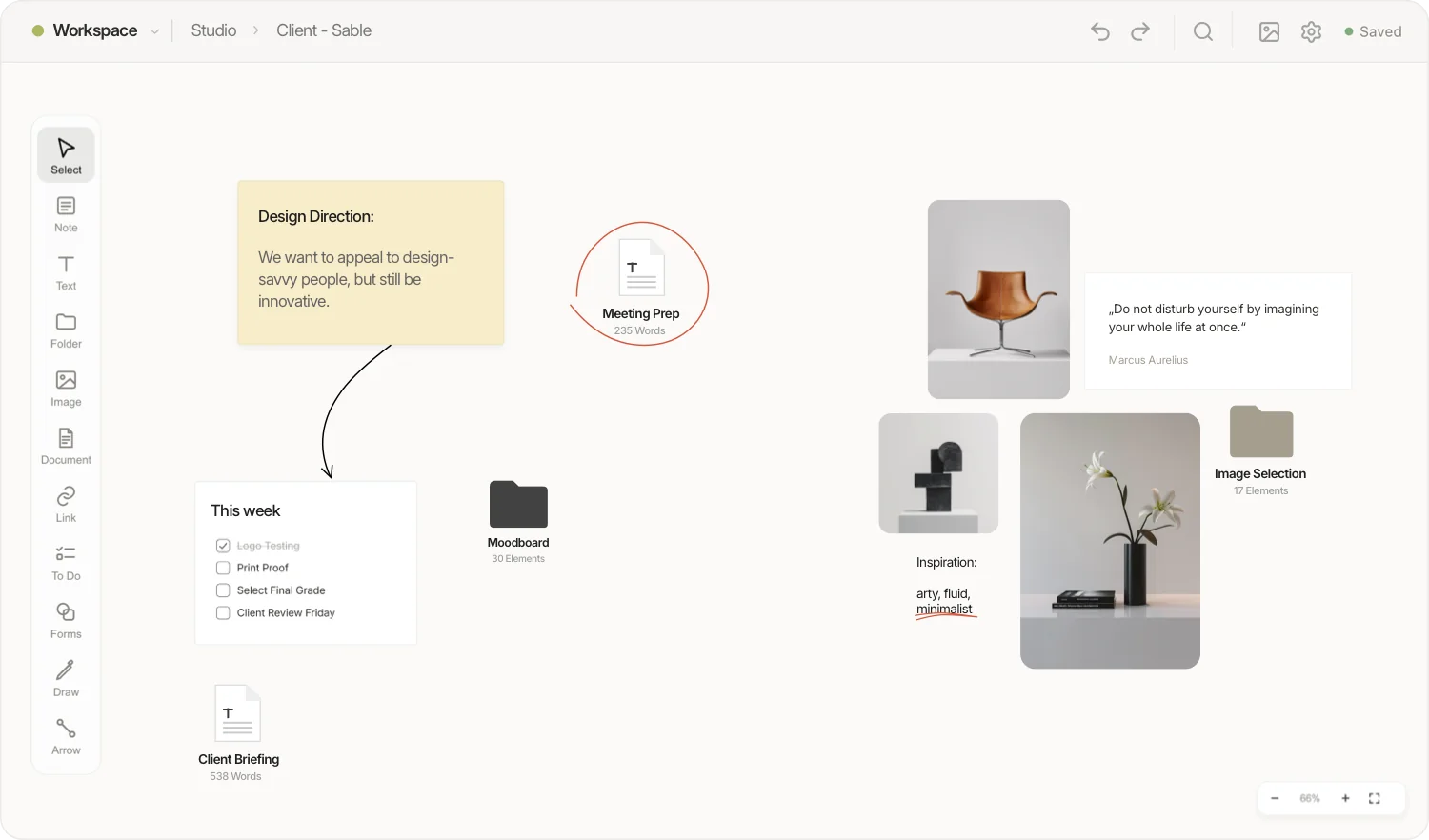
Everything happens on your machine. No server ever sees your work.
Folders are real folders. Documents are Markdown. Images are images. Open them with anything, forever.
Open it and work. There is nothing to sign up for, nothing to verify, and nothing to cancel.
Ownership
Connect any folder on your disk and visualOS mirrors your canvas into it — every folder on the canvas a real folder, every document a Markdown file, every image an image. Put the folder in iCloud or Dropbox and it syncs through your cloud, not ours. If you ever leave, everything stays readable. Forever.
Full creativity
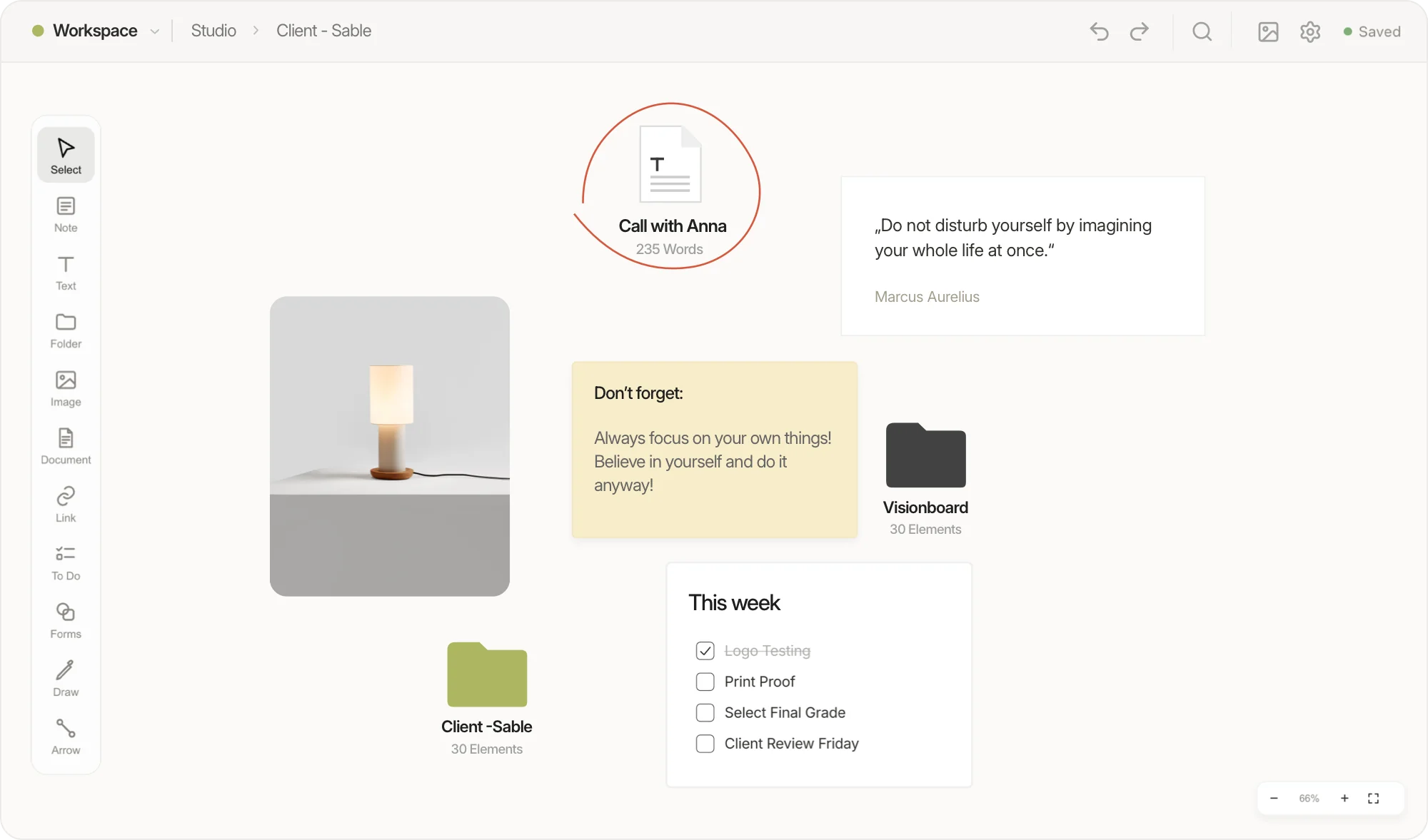
Images, notes and long-form docs, all visually organized, on your device.
Offline
On a flight, on the train, in a studio with no signal — visualOS doesn’t care. There is no server to reach, so there is no spinner, no sync wheel, no login wall. Your canvas opens instantly because everything is already here.
Notes & to-dos
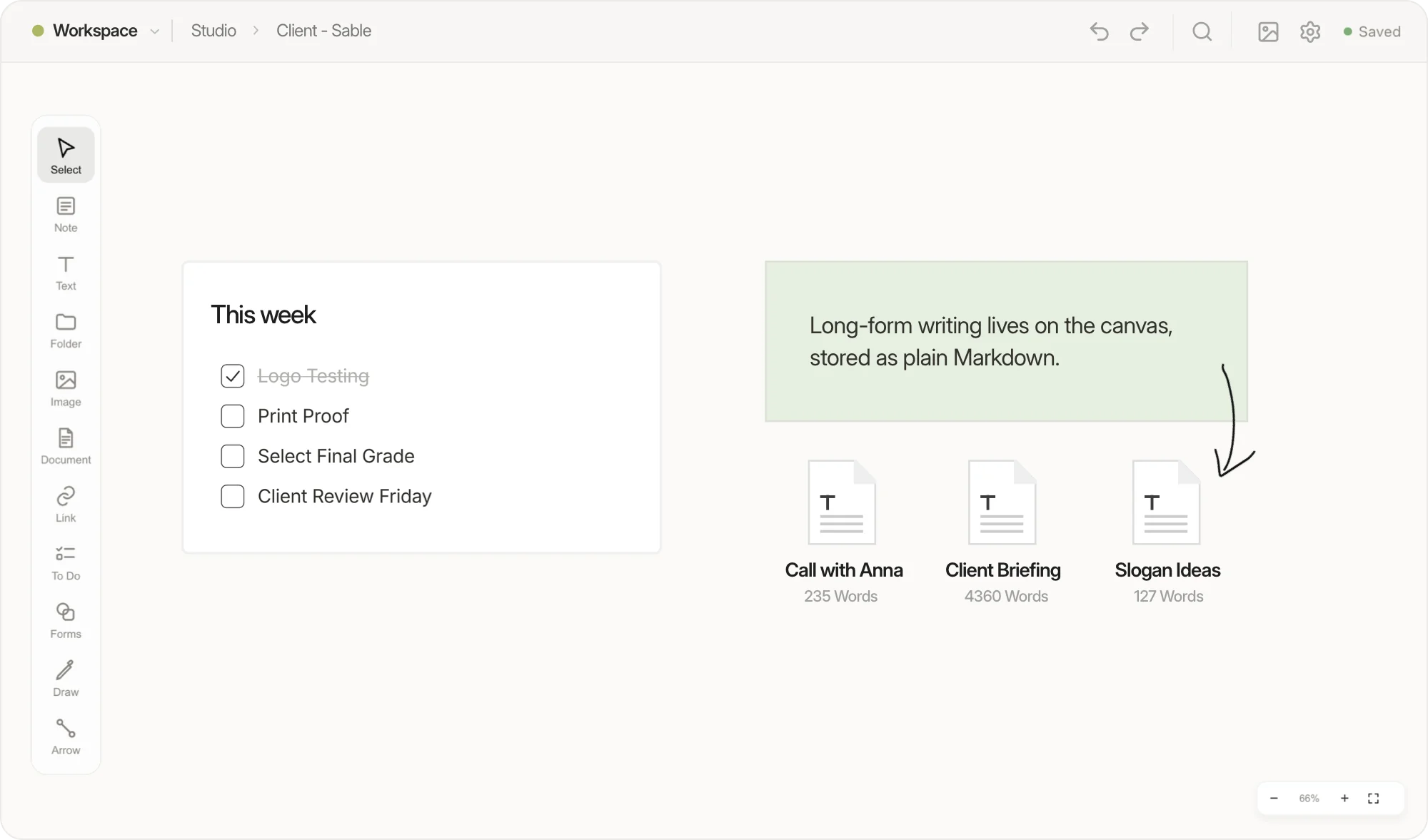
Rich notes and interactive checklists, side by side.
Trust
visualOS quietly keeps rolling versions of your work, right in your folder. Restore any earlier state with one click — the current state is backed up first, so you can’t break anything. Your data is never overwritten while your cloud folder is still waking up.
iPhone, iPad & Mac
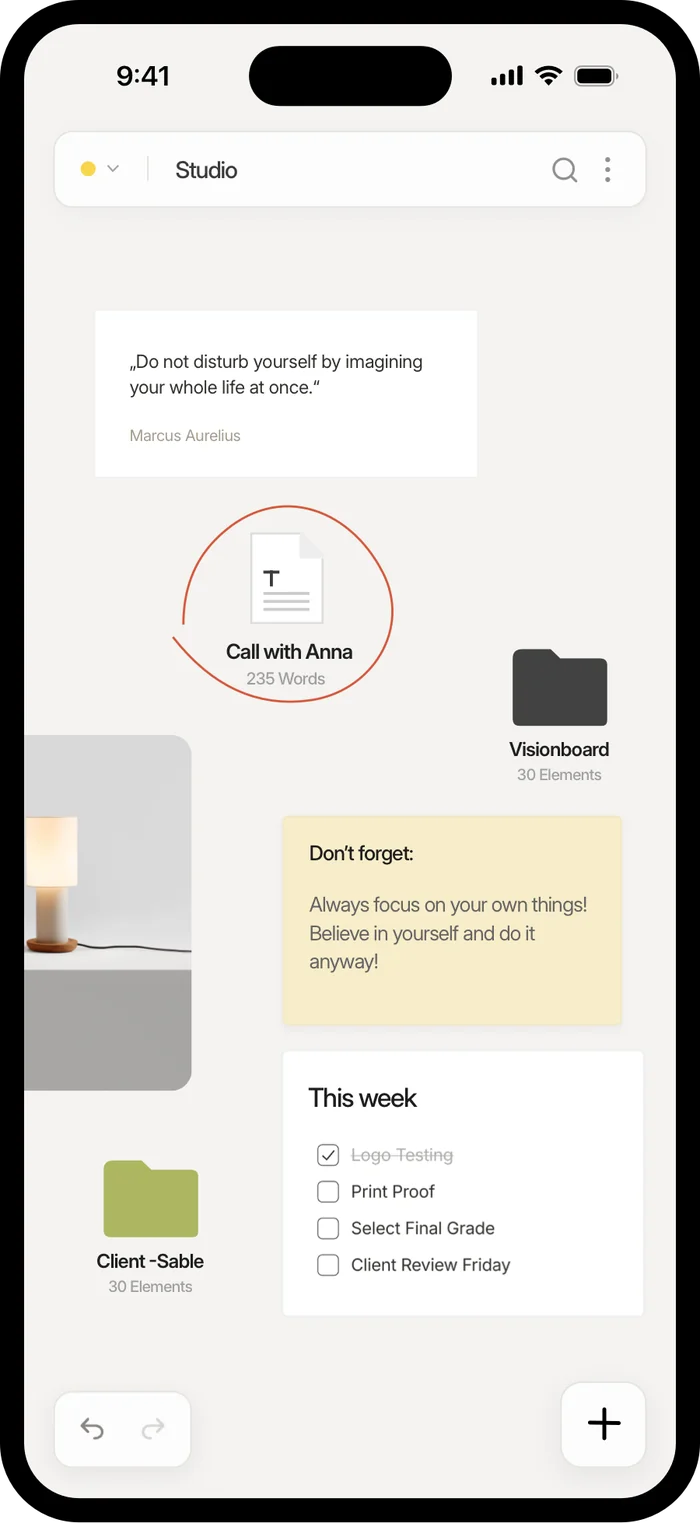
The native app is the real thing — the full canvas, not a stripped-down list of your cards. Pan, zoom, edit and rearrange with your fingers, fully offline, on the train or at a client’s. Point it at the same iCloud folder and every folder follows you — no sync service in between, just your files.
Everything else
Quick notes with real typography — sizes, colour, alignment, lists that just appear as you type.
Long-form writing in a focused editor, stored as plain .md files next to your folders.
Interactive checklists on the canvas. Add, check, reorder — right where the work lives.
Drag them in, paste them, or drop files straight into the folder — they appear on the canvas.
Sketch directly on the canvas with pen, colour and eraser. Scale drawings like any element.
Connect anything to anything. Anchors snap as you approach; curves bend to your will.
One shortcut searches every folder at once — notes, documents, links, all of it.
Group elements, lock what’s final, toggle the grid, tune background and shadows.
Export any view as a crisp 2× PNG. Undo and redo absolutely everything.
Questions
visualOS is a local-first infinite canvas app — a visual workspace for designers, photographers and artists. You arrange notes, images, PDFs, documents, to-do lists and freehand sketches on an endless canvas, and nest folders inside folders to build as deep a structure as you like. It runs in your browser and as a native app, and works fully offline.
Yes. The full app is free forever in the browser — no account, no sign-up, and no note or folder limit. There is no server to pay for, so there is nothing to cap. The native app for iPhone, iPad and Mac is a one-time purchase — €14.99/$12.99 at launch (regular €19.99/$19.99), no subscription, one purchase across all three devices.
Yes. visualOS is local-first: there is no server, so your boards, notes and files all work without an internet connection — on a flight, on the train, anywhere. Your content never leaves your device. The only thing that needs the network is a link preview, same as in any messaging app.
You do, in the most literal sense. When you connect a folder, folders on your canvas become real folders on your disk, documents become Markdown files, and images stay ordinary image files. No cloud database, no export step — the files are already yours. Point the folder at iCloud Drive or Dropbox and you get automatic backup and sync across your own machines, entirely under your control.
That’s the plan — and visualOS is built to last. We’ve been building apps since 2011. We’re self-funded, and with no servers to store user data, visualOS costs almost nothing to keep running. And your work was never with us — it lives on your device. Connect a folder and all of it is saved on your disk as ordinary files. Look inside that folder today: it’s all there, readable without visualOS. There’s nothing to switch off — no account, no subscription. The installed app never has to check in with us, and sync runs through your own iCloud Drive or Dropbox. Should visualOS ever end, for whatever reason, we’ll make sure its code is published so anyone can keep it running.
Yes — a native app for iPhone, iPad and Mac that shows the full canvas, not a cut-down list view. It works offline and syncs through your own iCloud folder. The browser version stays free; the native app is a one-time purchase (see above).
The full app, in your browser, at no cost. Unlimited cards and elements. Free. No invite mechanics, no seat surprises, no wall between you and your own work.
Works in Chrome, Edge, Brave & more. Native app for iPhone, iPad & Mac.