

(Interior) Designers
A brand world for every client: references, palette, type and feedback on one board.
visualOS is an infinite canvas app for your moodboards, references, notes and plans. It works fully offline and saves to real files in a folder on your device.
No account • No install • No subscription
Images in your download folder. The brief is in your inbox. The notes are in three different apps.
visualOS gives every project one calm surface. Drop in your pictures, write and plan right next to them, and see the whole thing at a glance, the way you would spread it out on a studio table.
Open visualOS free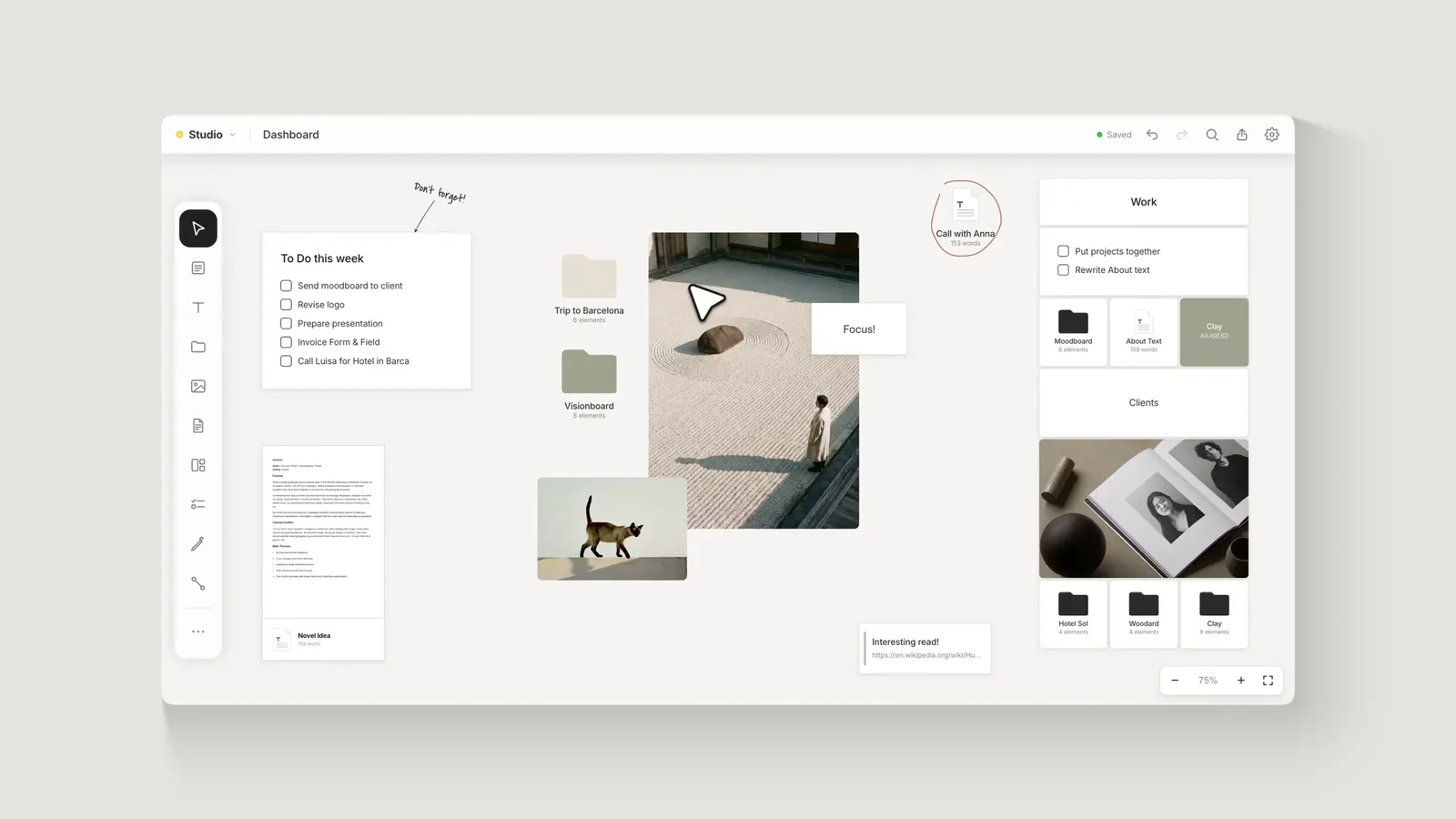
Whether you’re a designer, writer, photographer, content creator, or work in another creative field, visualOS lets you customize your workspace to suit your work.
A brand world for every client: references, palette, type and feedback on one board.
From the first reference to the shot list, the whole shoot in one view.
Research, outline and chapters side by side, not buried in folders.
References, sketches and ideas that are not finished yet.
And around them: notes, images and PDFs, folders inside folders, freehand drawing, arrows and frames, on a canvas without edges.
Columns and rows that keep a moodboard tidy.
Soft morning light, one chair, nothing else in the room. We shoot between seven and nine, before the sun gets hard.
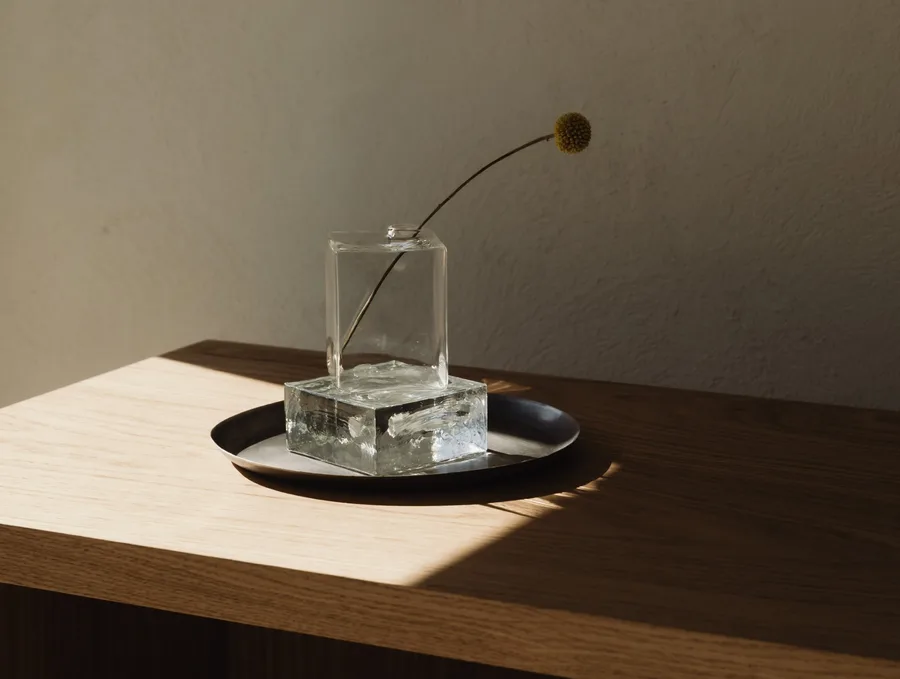
Quiet, warm, a little formal. Leather, steel and one white flower.
Long texts, written right beside your pictures.

A project’s palette, always in sight.
This week
Trip to the coast
Tick things off where the work happens.
Start with one thought and let it branch.
Your work lives on your device, as ordinary files. They stay yours, whatever happens to any app, ours included.
Connect a folder and every board is saved there as ordinary pictures, text files and folders. They open without visualOS, today and in ten years.
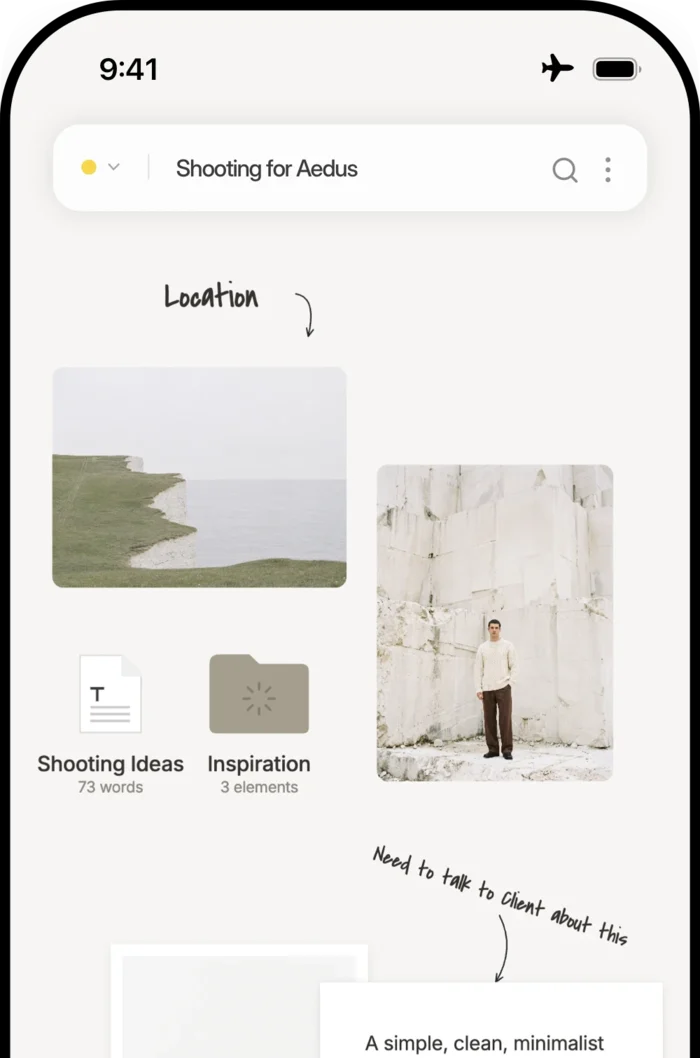
On a train, on a flight or in a client meeting with bad wifi, the app opens your boards at once, because they are already on your device.
There is nothing to sign up for and nothing to verify. Open it and start working.
Reviews from the App Store and posts on Reddit, word for word.
“Like a lot of people I found Milanote, but I’ve been trying hard to remove myself from subscriptions. VisualOS is like a local version of Milanote, but a one-time purchase!”
“Holy heck! This is too useful for something that’s free, I swear.”
“One-time purchase, local Markdown files, and self-hosted iCloud sync instead of another $12/month subscription locking data into a proprietary database? Instant buy just to support this business model.”
“It has sleeker and pretty default designs … and moving around is lot smoother. It’s the small details that matter!”
“The fact that boards become folders and documents stay as actual Markdown files makes this feel much more future-proof than a typical notes app. As a designer, I also love the visuals and the color palette.”
“I’ve had more time to play with it and it’s a delight to use.”
“My chaotic handwritten notes, sketches, url links, and pdfs are now mapped out and organized by folders. This app ticks all the right boxes (no subscriptions, no data mining, no annoying popups interfering with my workflow) …”
“No subscription, no account just blew my mind 😄 Having the ability to try in browser first is perfect, and ordered right away after going through tutorial.”
“I’ve been a Milanote user for a while but the subscription cost never made sense for a solo designer… the offline-first, one-time-purchase model is exactly what I wanted.”
“I love this app. It feels so smooth and polished, and thank you for making it so affordable.”
“I love that it stores locally on your device yet you can still sync to devices (if you wish) through your selected cloud storage (such as iCloud).”
“I played around a bit with the web app and then bought it in the App Store. The UI has worked very well so far on both phone and laptop… One of the main reasons I bought it was because it stores everything in plain old folders.”
“Just discovered this and have been using it for a bit – it’s fantastic!!”
“I’ve used a few Canvas apps, and i really am enjoying this one on my Mac! Thanks for that clean tutorial in particular, it was a great first impression.”
“Finally, this app fills a massive gap in the productivity/design space, beautiful functionality and ability to create mood boards and visually lay out ideas without a monthly subscription or limitations on cards. … no regrets on the initial outlay, I’ll use this for years.”
“The UI Design of the app is clean, the ux is also good, loved the tour explanations for first time users.”
“The infinite canvas concept is fantastic … Thank you for building such a useful and well designed app. I’m really impressed.”
Free means the whole app, not a trial. Paying once adds it to your iPhone, iPad and Mac.
Free
The whole canvas, for as long as you like.
Works in Chrome, Edge, Brave and more.
€14.99once
One purchase for all three devices.
Launch price, $12.99 in the US. Regular price €19.99 / $19.99.
visualOS is a local-first infinite canvas app — a visual workspace for designers, photographers and artists. You arrange notes, images, PDFs, documents, to-do lists and freehand sketches on an endless canvas, and nest folders inside folders to build as deep a structure as you like. It runs in your browser and as a native app, and works fully offline.
Yes. The full app is free forever in the browser — no account, no sign-up, and no note or folder limit. There is no server to pay for, so there is nothing to cap. The native app for iPhone, iPad and Mac is a one-time purchase — €14.99/$12.99 at launch (regular €19.99/$19.99), no subscription, one purchase across all three devices.
Yes. visualOS is local-first: there is no server, so your boards, notes and files all work without an internet connection — on a flight, on the train, anywhere. Your content never leaves your device. The only thing that needs the network is a link preview, same as in any messaging app.
You do, in the most literal sense. When you connect a folder, folders on your canvas become real folders on your disk, documents become Markdown files, and images stay ordinary image files. No cloud database, no export step — the files are already yours. Put the folder in iCloud Drive and you get automatic backup and sync across your own devices, entirely under your control.
That’s the plan — and visualOS is built to last. We’ve been building apps since 2011. We’re self-funded, and with no servers to store user data, visualOS costs almost nothing to keep running. And your work was never with us — it lives on your device. Connect a folder and all of it is saved on your disk as ordinary files. Look inside that folder today: it’s all there, readable without visualOS. There’s nothing to switch off — no account, no subscription. The installed app never has to check in with us, and sync runs through your own iCloud Drive. Should visualOS ever end, for whatever reason, we’ll make sure its code is published so anyone can keep it running.
Yes — a native app for iPhone, iPad and Mac that shows the full canvas, not a cut-down list view. It works offline and syncs through your own iCloud folder. The browser version stays free; the native app is a one-time purchase (see above).
We are Sarah and Gerald. We have been building things together for more than 20 years. visualOS is the workspace we always wanted for our own projects, and we use it daily ourselves.